On-premises deployment · Industry systems · Ongoing operations
Run AI inside your own network
Models run on servers the customer designates. The applications cover medical education, research assets, knowledge Q&A, and field inspection. Where data lives, who can access it, and how acceptance is measured are confirmed before the project starts.
What we deliver is a system that keeps running, not a one-time model install.
Servers, models, data, permissions, interfaces, and operations are designed together. Where a small trial is practical, we start there, then move into full delivery and accept the work against the agreed list and measures.
01 · Private AI
On-premises AI deployment and system integration
Models, knowledge bases, and applications are deployed in the environment the customer specifies, matched to their data-management rules and the systems they already run. Permissions, logs, monitoring, and external interfaces are set up with the deployment. Materials needed for security review and day-to-day operations are included.
02 · Medical education
Simulated consultation and clinical-skills training
Simulated cases cover consultation, history taking, clinical reasoning, and communication with patients. Learners can repeat a case. Each conversation is kept and scored against one standard, and teachers review the session with the class. The system is for teaching. It is not used for real diagnosis or treatment.
-
01
Case setupTeachers set the role, symptoms, key questions, and scoring rules
-
02
Learner consultationQuestions and follow-ups follow a real pace and build a diagnostic line of thought
-
03
In-session scoringCompleteness, clinical reasoning, and communication are recorded
-
04
Teacher reviewKey exchanges, weak points, and patterns across the class
03 · University research
Zhiyan Yunshu: research asset management
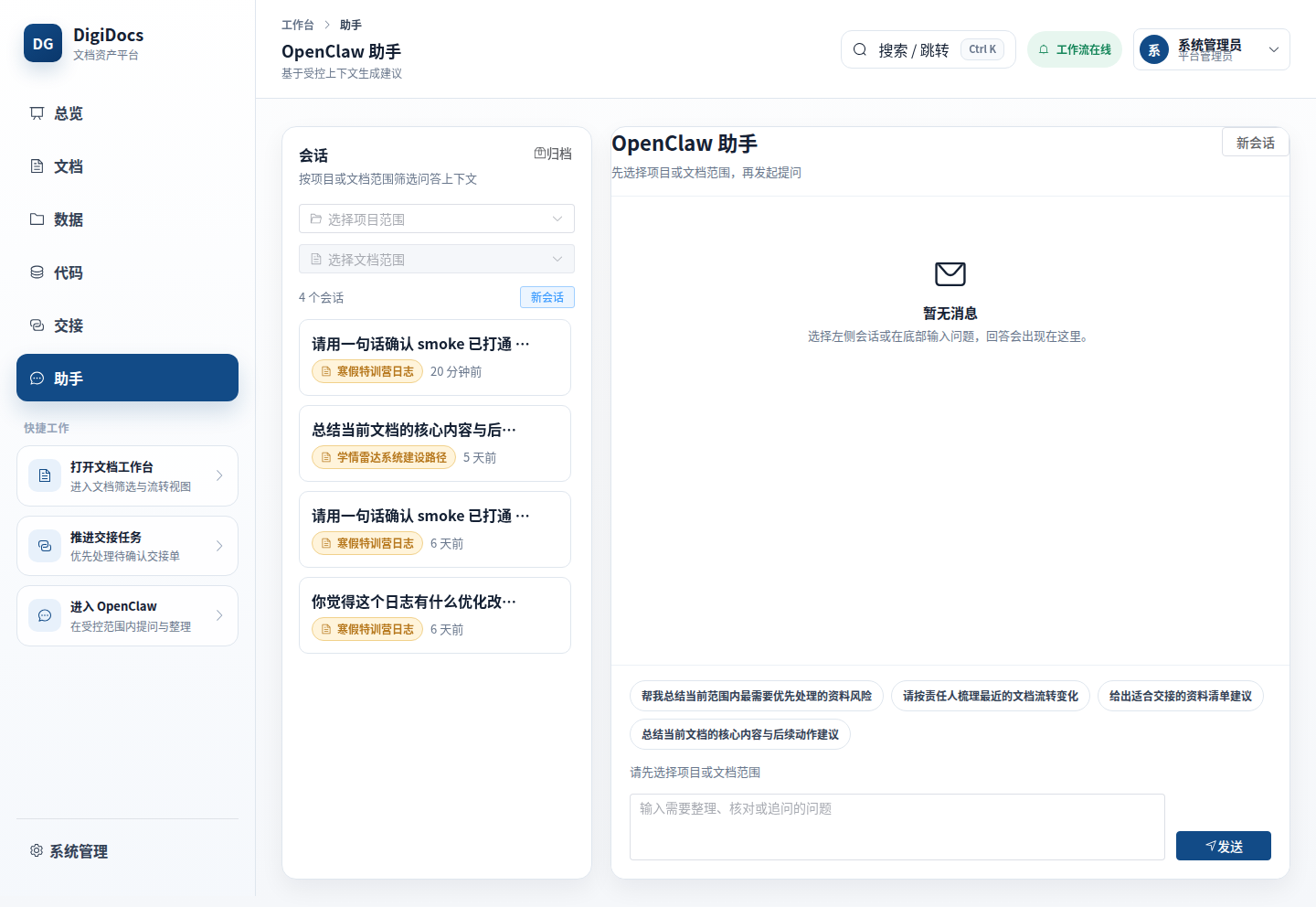
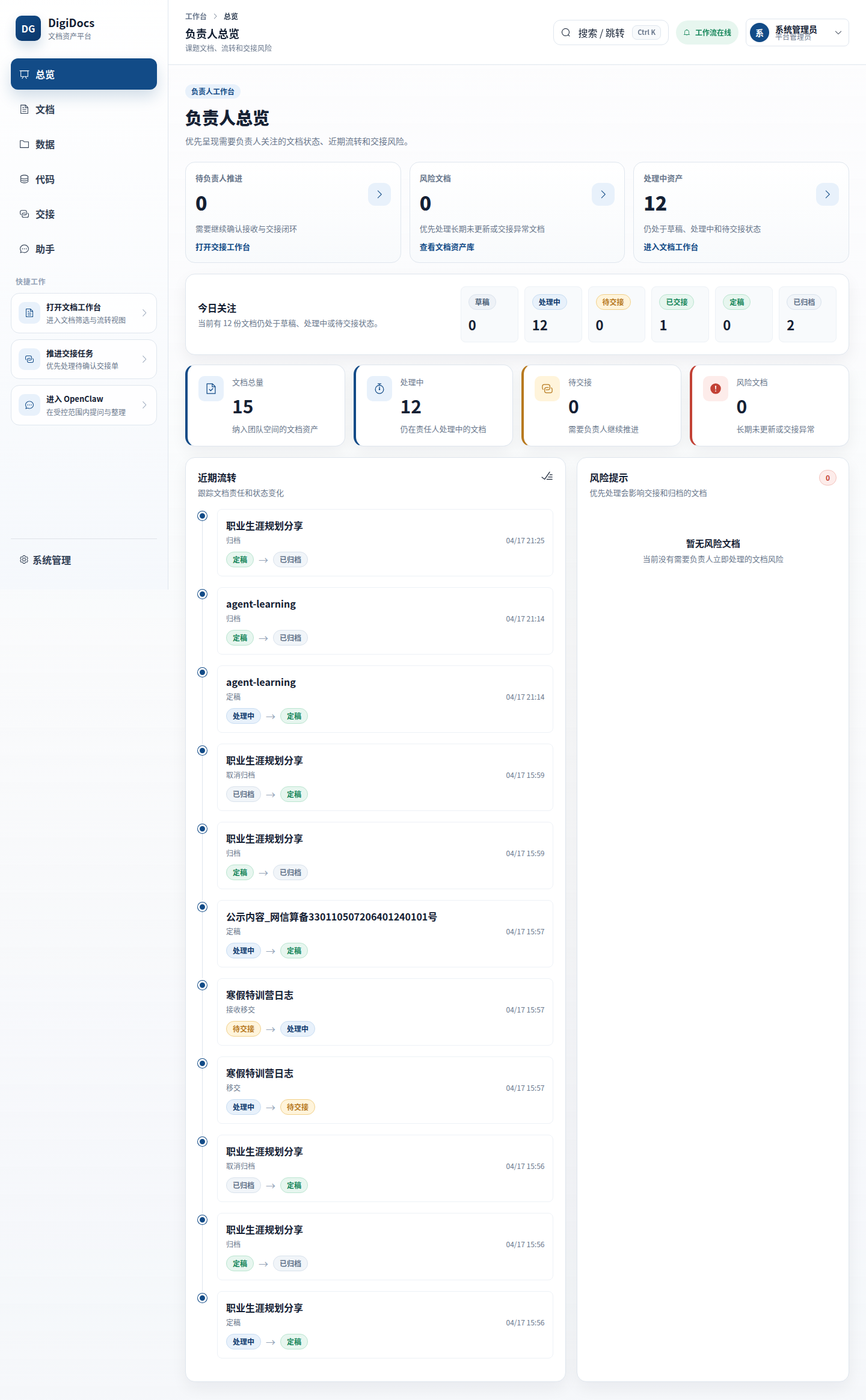
For university research groups, documents, data, and code that sit with different people are brought into one place, with versions, owners, and handoffs recorded. Supervisors can see progress, and there is a record when a member graduates or leaves the group.
04 · Field inspection
Intelligent inspection in the field
For transmission towers, roads and bridges, campuses, and plant facilities, drones, on-site capture devices, and image recognition are connected to the inspection process already in use. After capture, suspected defects are marked automatically. A person then reviews them, assigns a severity, and issues the report.


How a project moves
Scope and acceptanceare set before work starts.
A first engagement can be a small trial: one department, one course, one class of documents, or one set of site photos. After the result, the data conditions, and the way of working together are confirmed, full delivery follows the customer's budget and procurement rules.
For projects that use public funds, special-purpose funds, or an annual budget, we can help prepare the requirements, data conditions, delivery list, and acceptance measures. The customer decides the procurement method under their organization's current rules.
Technical services that can be contracted on their own
How we work
Proposal, deployment, testing, and later operations stay with the same team.
The same point of contact stays for the whole project. Deployment, testing, training, and issue handling during implementation are recorded, so they can be looked up and maintained later.
Where the model runs, where data is stored, who can access it, and which interfaces are open are set from the customer's existing rooms, servers, and network.
Systems already in use keep running. Knowledge Q&A, training assessment, or image recognition is added through interfaces.
Deployment records, test materials, operating notes, and a rollback plan are handed over together. Upgrades and annual operations can continue after that.
Partners
Work with regional partners to supply the AI portion of a project.
For regional software companies, systems integrators, and hardware vendors, we share scenario analysis, AI module integration, on-premises deployment, implementation, and after-sales support. Who owns the customer relationship, how the commercial work is split, and how responsibility is divided are confirmed before the cooperation starts.
Discuss a partnershipAgree the requirements, the technical approach, and the split of work.
Knowledge bases, model services, training assessment, and image recognition.
Deployment, interface work, testing, training, and project acceptance.
Issue handling, version upgrades, and longer-term service, as the contract states.
Contact
Projects in on-premises AI, medical education, research assets, or field inspection can start with one specific scenario.
Tell us the department, the systems already in use, the data conditions, and the planned timing. We can then judge which scenario to start with.